This topic has 12 replies, 2 voices, and was last updated 8 years, 10 months ago by 
Viewing 13 posts - 1 through 13 (of 13 total)
Ok so i am facing a few problems and i would like your help to solve them.
1. At the User Login tab i am using the shortcode provided but no forms appear when clicking at Login,Register and Forgot password. This one, [rcp-login]
2. At the User Profile tab i am again using the shortcode provided but this time the Login and Forgot password work but the Register tab is not working. The short code used is [rcp-user-profile]
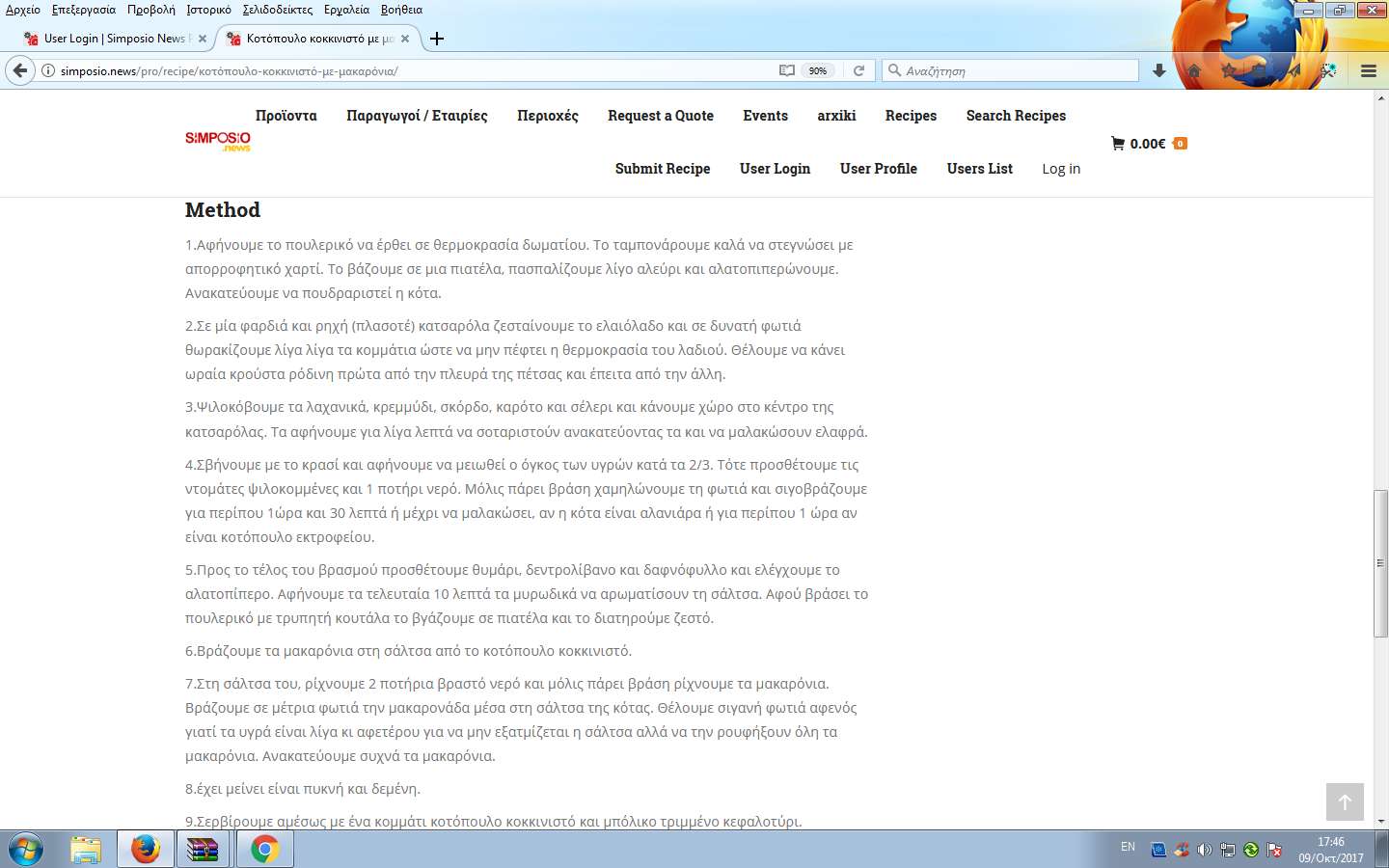
3.During the creation of the recipe at the bottom there is a section called Method. On our site it displays like this: http://imageshack.com/a/img923/7483/1RGLdF.png
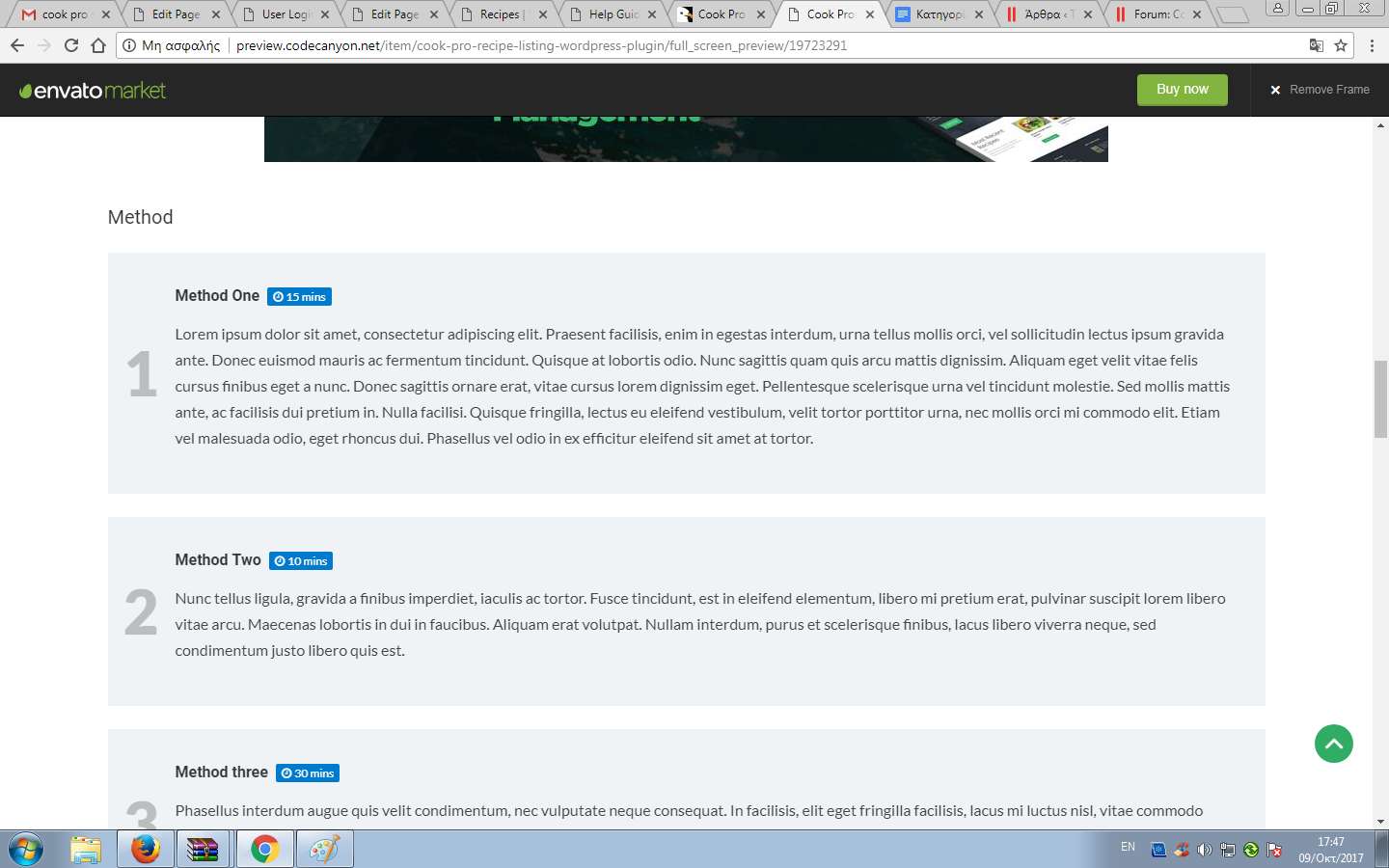
How could i get it to display like the example? Like this http://imageshack.com/a/img922/2549/0BpD2c.png
4.At the recipe tab and after choosing a recipe the recipe image is displayed two times, like this: http://imageshack.com/a/img922/5347/WGzbhO.png
How could i get rid of the top image? The one i specified at the image sent.
5.
Thanks in advance.
I have tested all the shortcodes and that seems to be working fine except your last issue which is the image appearing twice is related the theme you are using. You need to create single recipe post type template using the single.php from your theme and customize it and remove the featured image.
We can help you remove that featured image and replicate the recipe single page for you if you can provide us your wp logins.
http://simposio.news/pro/wp-login.php?loggedout=true
Sorry I forgot it 🙂
When I open your website it shows Notification on the KasperSkype and its blocking. Anyway, I have fixed the login issue on the user login page. You have added the shortcode in a <code> element you need to switch the content editor in the text mode rather than using visual mode to make shortcodes work.
At the register tab in user login/user profile it still shows this message: Registrations are currently disabled.How can i enable the registration.Also what can i do about points 3 and 4 in my previous message,above??
Thank you.
Go to Options page and opt-in for anyone can register http://simposio.news/pro/wp-admin/options-general.php
Regarding your other questions
3) If you check the description, you can understand how to enter the methods.
4) Added functionality. The Modified file is from the theme content-single.php line#60,61,62
if ( ! is_singular( 'recipe' ) ) {
    echo '<div class="post-thumbnail">' . $post_media_html . '</div>';
}
Hello again.
While trying to register as a user through the User Login tab in cook pro i keep getting an error “Click on the reCAPTCHA box.” even though there is no recaptcha box functionality present.
Is there a way to disable the functionality so that a user can login without needing to use said ReCaptcha?
Thanks.
To enable recaptcha you need to add your Google API Key and Secret Key in the Recipe Settings and to get that Keys go to https://www.google.com/recaptcha/.
1.I have problem with the PLug-in: Loco Translate. I translate your plugin in Loco but the translation does not appear in the site.
2.When somebody registers at the user login tab in the site,the server a confirmation email to user address but the condirmation mails subject is displayed in symbols. I have the language set to Greek.I am sending you the following screenshot to see the what i mean.
3.Also in the same screenshot you can see that the mail does not send the password and the username to the user,in only displays [username] and [password],we used all the shortcodes related to both username and password,as provided in the documentation.In addition,there is no password field at the user login tab.So how can a user specify his personal password??
Thank you
Viewing 13 posts - 1 through 13 (of 13 total)
You must be logged in to reply to this topic.